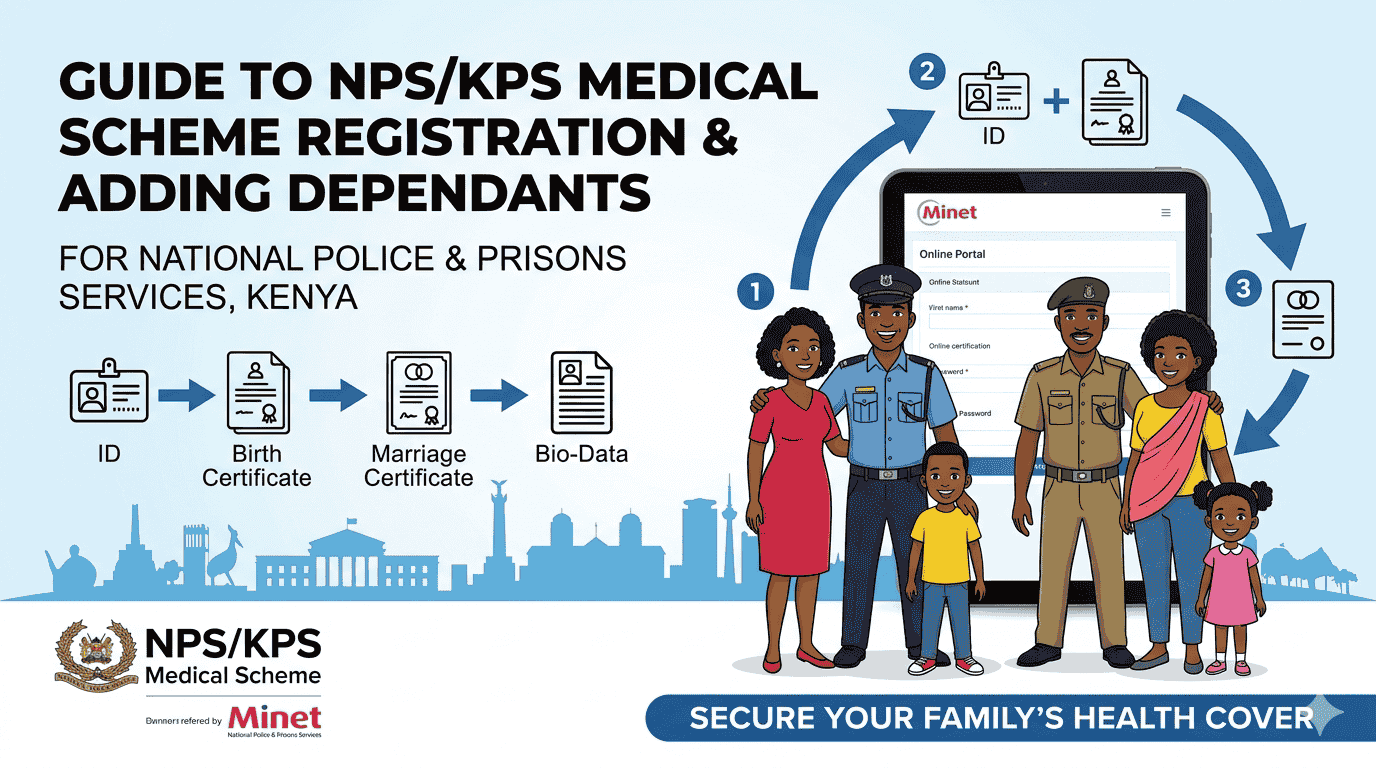
The National Police Service (NPS) and Kenya Prisons Service (KPS) Medical Scheme provides comprehensive health coverage for officers and their families.
To ensure you and your loved ones are covered, you must complete the registration process and upload the correct documents for verification.
In this guide, you will learn how to register for the NPS/KPS Medical Scheme and add dependants online. Step-by-step guide for PF registration, OTP verification, and document uploads
NPS/KPS Medical Scheme Registration (Step By Step)
Before adding family members, the principal officer must be in the system. You can register via phone (USSD) or the web portal.
Option A: USSD Registration (No Internet Required)
- Dial *202*05# (Safaricom) or *204*05# (Airtel).
- Select Option 1: Membership.
- Select Self-Registration.
- Enter your National ID Number, names, Date of Birth (YYYY/MM/DD), Gender and submit.
- You will receive a confirmation SMS upon success.
Option B: Online Portal Registration
- Visit the NPS/KPS Self-Registration Link.
- Enter your Mobile Number and click “Submit.”
- You will receive a One-Time Password (OTP) via SMS. Enter it to log in.
- Fill in your details (PF Number, ID, and Date of Birth) to complete your profile.
Adding Dependants (Step-by-Step)
Once your profile is active, follow these steps to add your spouse and children.
Step 1: Access the Dependant Portal
Go to the official NPS/KPS Dependant Portal.
Step 2: Authenticate with PF Number
- Locate the NPS/KPS Number section.
- Enter your PF Number and click “Check.”
- An OTP will be sent to your registered phone number. Enter this code to unlock the registration dashboard.
Step 3: Register Dependants
Click on the “Register Dependants” section. You can add one spouse and up to five children.
| Dependant Type | Information Required | Mandatory Documents to Upload |
| Spouse | Full Name, DOB, Phone Number | National ID Card AND Marriage Certificate (or Sworn Affidavit). |
| Children | Full Name, DOB, Gender | Birth Certificate or Student ID |
Step 4: Final Submission
- After filling in the details and uploading the files (ensure they are clear scans), click Submit.
- Your application will move to a “Pending Review” status.
Phase 3: Verification & Confirmation
Review Period: The scheme administrators typically review documents within 72 hours.
How to check NPS/KPS membership status
Visit the portal to confirm if your dependants have been successfully added to the system.
Note: Once verified, dependants must visit a designated hospital to have their fingerprints captured for future biometric identification.
Also see: National Police Pension Calculator
Conclusion
Registering for the NPS/KPS Medical Scheme is a vital step in securing your family’s health and financial future. By following following digital registration, you bypass long manual queues and ensure your details are captured accurately in the biometric system.
Remember, the most common reason for application rejection is blurry document uploads or mismatched ID numbers. Take a moment to verify your scans before hitting submit to avoid delays in your coverage.
Need Technical Assistance?
If you are having trouble with the portal, not receiving your OTP, or experiencing “System Busy” errors, JO-TECH Cyber is here to help. We offer professional online cyber services to help you navigate government and institutional portals with ease.
- Visit us: Mbale, Vihiga County.
- WhatsApp: 0710200886
- Email: info@jotechcyber.co.ke
Stay covered, stay informed.