Requirements for NTSA Vehicle Inspection
Before you begin your application, ensure you have the following ready:
- Active eCitizen Account: Your ID must be linked to a functional account.
- Vehicle Logbook: You will need the registration details.
- M-Pesa Funds: To cover the inspection and convenience fees.
- Printer Access: You must carry a hard copy of the booking slip to the inspection center.
How to Book Vehicle Inspection Online
Step 1: Access the NTSA Portal
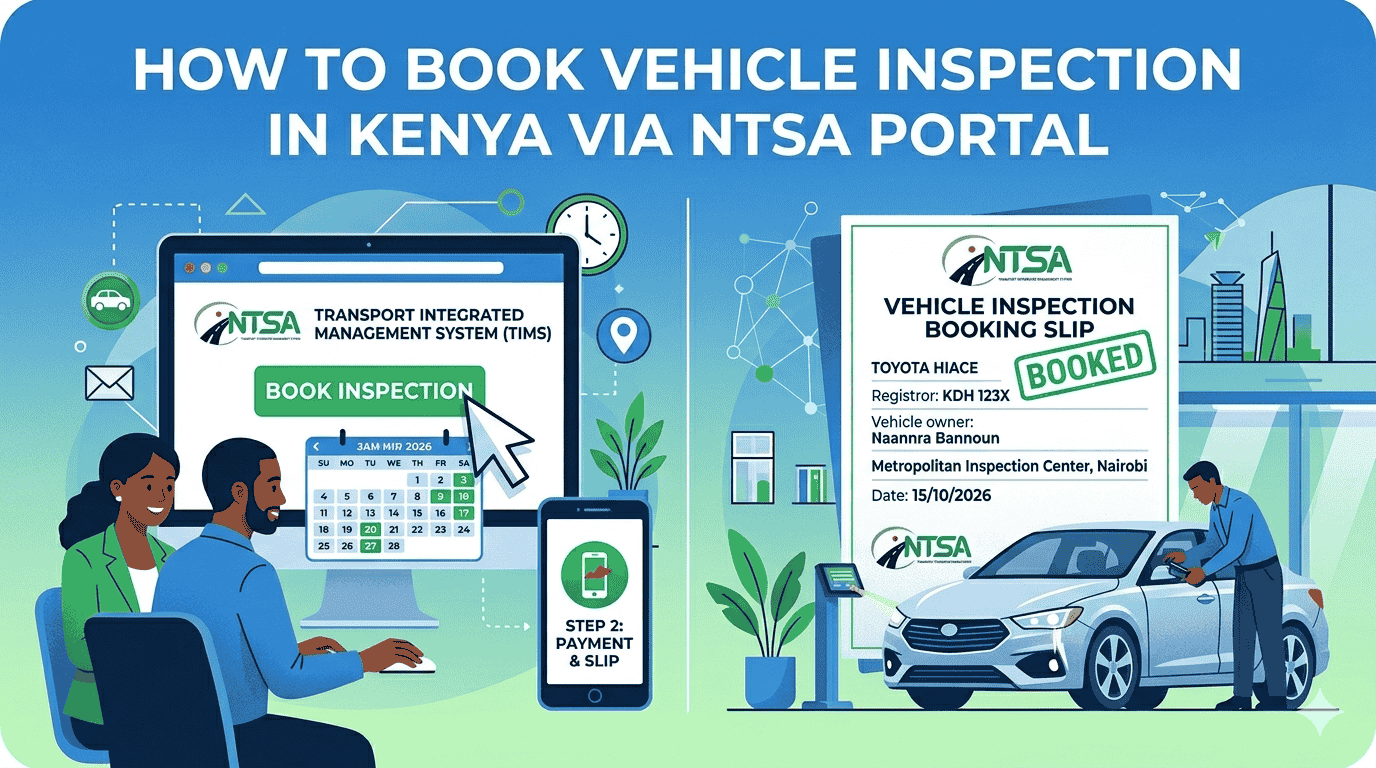
Go to the eCitizen portal and log in using your ID number and password. Once logged in, click on the NTSA Service Portal (New).
Step 2: Navigate to Motor Vehicle Services
On the dashboard, locate the “Motor Vehicle” section and click “View.” You will see a list of vehicles linked to your ID. Select the specific vehicle you wish to book for inspection.
Step 3: Initiate Inspection Request
Click on “Motor Vehicle Services” and select “Inspection” from the dropdown menu. Choose the type of inspection required (e.g., Annual, Change of Ownership, or Accident Inspection).
Step 4: Make Payment
The system will generate an invoice. Click “Pay” and follow the instructions to pay via M-Pesa. Once payment is confirmed, click “Complete” to move to the scheduling page.
Step 5: Select Center and Date
Click the “Book Now” button. Select your preferred Inspection Center (e.g., Likoni Road, Thika, Kisumu, etc.) and pick an available date and time slot from the calendar.
Step 6: Download and Print Documents
Navigate to your “Application History” or “My Inspection Bookings.” Download and print the Booking Slip and the Payment Receipt. You cannot be served without these physical copies.
On the Day of Inspection: What to Carry
- The Vehicle: Ensure it is clean and roadworthy.
- Original Logbook: To verify ownership and chassis numbers.
- Printed Booking Slip: The inspector will scan this to begin the process.
- Payment Receipt: As proof of transaction.
Need Help with Your NTSA Booking?
If you are encountering “Vehicle Not Found” errors or having trouble with M-Pesa payments on eCitizen, Jotech Cyber can help you resolve portal issues and secure an early booking slot.
- Email: info@jotechcyber.co.ke
- Call/WhatsApp: +254 710 200 886