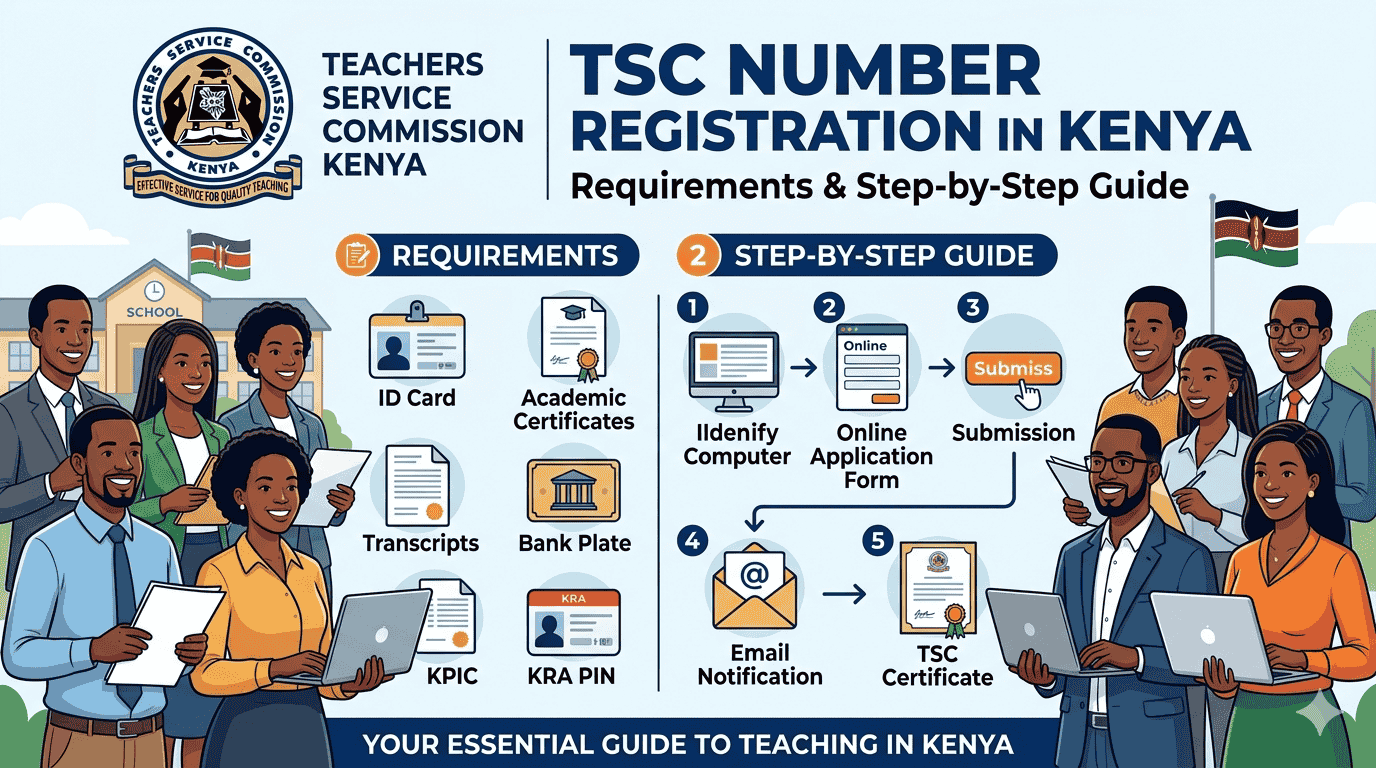
Registering for a Teachers Service Commission (TSC) number is the first official step toward a teaching career in Kenya. In 2026, the application process is strictly online. You must have all your documents digitized and ready for upload before starting.
Here is a comprehensive guide on the mandatory requirements and the step-by-step registration process.
Requirements for TSC Registration
Ensure you have clear, scanned copies (PDF format) of the following documents. Each document must be authentic and valid.
- National ID Card: A clear scan of both the front and back.
- Academic Certificates: * Primary School Certificate (KCPE).
- High School Certificate (KCSE).
- University or College Graduation Certificate.
- Academic Transcripts: All year-of-study transcripts merged into one single PDF file.
- Certificate of Good Conduct: A valid Police Clearance Certificate from the DCI.
- CRB Clearance Certificate: A recent clearance report from a licensed Credit Reference Bureau.
- GP69 Medical Form: A fully filled and stamped medical examination form from a government health officer.
- HELB Compliance Certificate: Even if you did not take a loan, you need a compliance or clearance certificate from the Higher Education Loans Board.
- KRA PIN Certificate: A valid certificate from the Kenya Revenue Authority.
- Passport Size Photo: A recent, high-quality colored photograph.
Step-by-Step Application Process
Once your documents are ready, follow these steps to register:
Step 1: Access the TSC Portal
Visit the official TSC Online Portal. Select the “Registration” tab to begin.
Step 2: Enter Personal Details
Enter your ID number and Surname. The system will prompt you to fill in your contact details, including a valid email address and phone number.
Step 3: Upload Documents
The portal will provide specific slots for each requirement mentioned above.
- Ensure the file sizes do not exceed the platform’s limit (usually 1MB per file).
- Double-check that the Academic Transcripts are merged into one PDF as required.
Step 4: Pay the Registration Fee
The non-refundable registration fee is Ksh 1,050.
- Payment is usually made via the eCitizen Paybill or integrated portal payment options.
- Keep your payment confirmation message (MPESA/Bank) for reference.
Step 5: Submission and Tracking
After uploading and paying, click “Submit.” You will receive a reference number. Use this number to track your application status under the “Check Registration Status” tab on the same portal.
Important Tips for Success
| Feature | Note |
| Document Clarity | Blurry scans lead to automatic rejection. Use a high-quality scanner. |
| GP69 Form | Ensure the medical officer has signed and officially stamped the form. |
| Professionalism | Ensure your passport photo has a neutral background and professional attire. |
| Timeline | It usually takes 30 days for a TSC number to be processed and issued. |
Need Help with Your TSC Application?
Uploading transcripts into a single PDF or navigating the TSC portal can be tricky. If you need assistance with document scanning, PDF merging, or the online application process, Jotech Cyber is here to help.
- Email: info@jotechcyber.co.ke
- Call/WhatsApp: +254 710 200 886
Read: Requirements for Certificate of Good Conduct
Tool: TSC Pension Calculator