
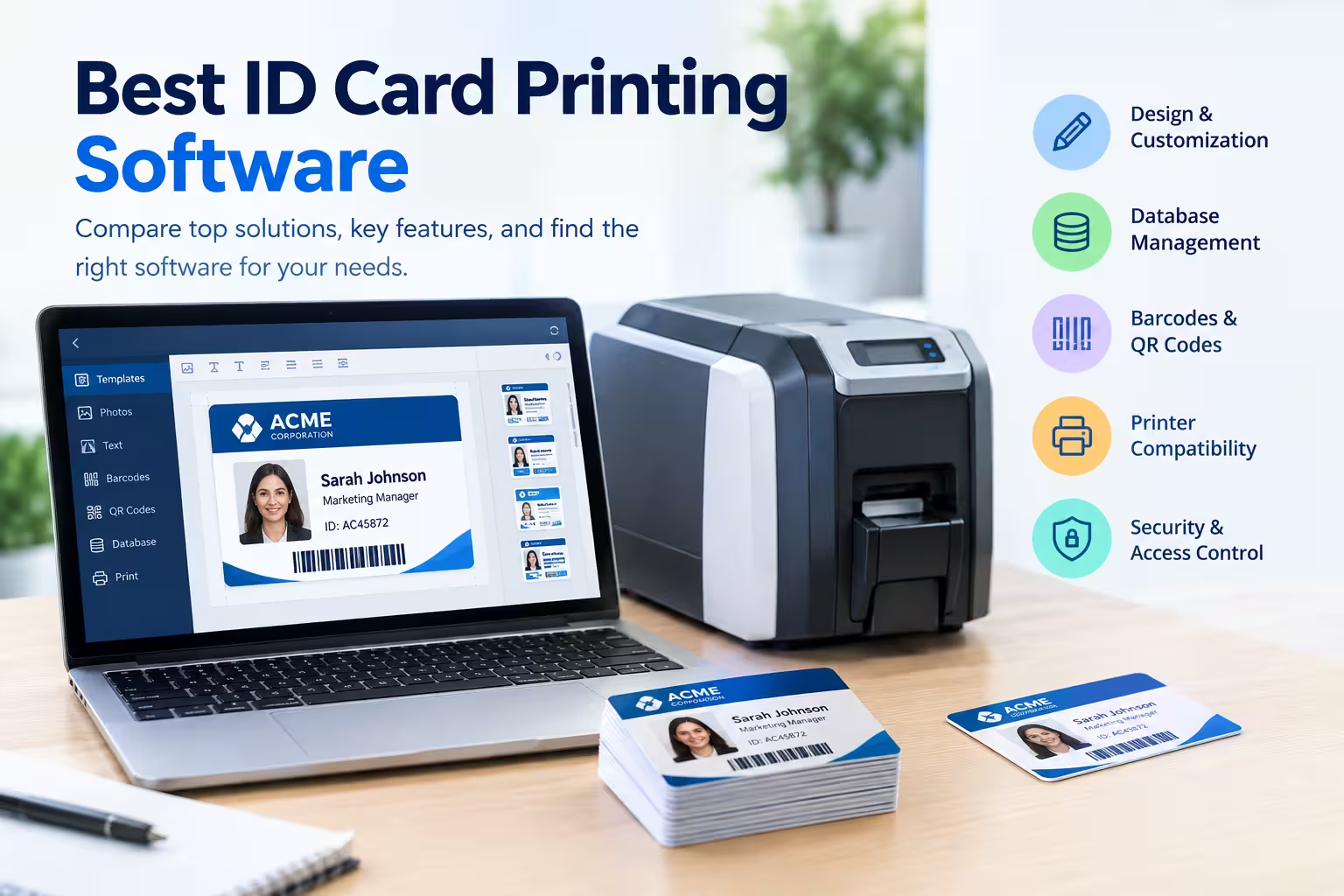
The best ID card printing software depends on your organization, card volume, printer, database requirements, and security needs. Popular options include ID-ALL, Zebra CardStudio, Entrust Instant ID, HID Asure ID, Jolly ID Flow, Magicard TrustID, AlphaCard ID Suite, and BadgeMaker, with each solution offering a different balance of design, database management, printing, and card encoding features.
If you are looking for ID card printing software for employees, students, members, visitors, or events, the comparison below can help you identify the option that best matches your requirements.
Best ID Card Printing Software at a Glance
| Software | Best For | Database Support | Barcodes/QR Codes | Advanced Encoding | Ease of Use |
|---|---|---|---|---|---|
| ID-ALL | Businesses, schools, and enterprises | Yes | Yes | Yes | Easy to advanced |
| Zebra CardStudio | Zebra printer users | Yes | Yes | Yes, depending on edition | Easy |
| Entrust Instant ID | Secure enterprise issuance | Yes | Yes | Yes | Advanced |
| HID Asure ID | Professional credential programs | Yes | Yes | Yes | Advanced |
| Jolly ID Flow | Employee and visitor IDs | Yes | Yes | Depending on setup | Easy |
| Magicard TrustID | Magicard printer users | Yes | Yes | Depending on setup | Easy |
| AlphaCard ID Suite | Small and medium organizations | Yes | Yes | Depending on edition | Easy |
| BadgeMaker | Small organizations and basic ID cards | Yes | Yes | Limited/varies | Easy |
Features can vary by software edition, printer, operating system, and connected hardware.
8 Best ID Card Printing Software
1. ID-ALL
Best for: Organizations that want flexible ID card design, database management, and scalable card issuance.
ID-ALL is a modern ID card software platform from cardPresso designed for creating, personalizing, printing, and managing identification cards. It is available in several editions, allowing organizations to start with basic card design and move to more advanced capabilities as their requirements grow.
The Starter edition provides basic card design and printing, photo capture, 1D barcode support, and an internal database. Higher editions add batch printing, QR codes, Excel and CSV connections, advanced image editing, external databases, scripting, fingerprint acquisition, and RFID or smartcard encoding.
Why choose ID-ALL?
ID-ALL is particularly useful if you do not want to outgrow your software as your card program becomes more sophisticated. A small organization can begin with basic printing and later move toward database-driven and secure credential issuance.
It supports Windows and macOS, while some advanced features are dependent on the edition and operating system.
Best for: Businesses, schools, universities, hospitals, government organizations, and other organizations with growing ID card requirements.
Important note: ID-ALL is the successor to cardPresso. cardPresso is entering its end-of-life transition, with the vendor encouraging customers to move to ID-ALL.
2. Zebra CardStudio
Best for: Organizations using Zebra card printers.
Zebra CardStudio is Zebra’s dedicated card design and printing software. It is designed to create and print cards while extending the capabilities of Zebra’s card-printing ecosystem.
It can be a strong choice when your organization already uses Zebra card printers because keeping the printer and card software within the same ecosystem can simplify deployment and support.
Depending on the edition and configuration, CardStudio can support card design, database-driven personalization, barcodes, and other card production requirements.
Why choose Zebra CardStudio?
The biggest advantage is its relationship with Zebra’s card printer ecosystem. If your organization already has Zebra hardware, CardStudio is worth considering before purchasing unrelated third-party software.
Best for: Businesses, schools, government offices, and organizations that use or plan to use Zebra card printers.
3. Entrust Instant ID
Best for: Enterprise organizations that need secure, scalable ID issuance.
Entrust Instant ID is designed for organizations that need more than simple card design and printing. Its platform supports designing, issuing, and managing secure ID cards while connecting users, printers, and issuance workflows.
The software is particularly relevant to organizations operating formal credential issuance programs across multiple users or locations.
Entrust emphasizes user and role management, printer fleet control, distributed issuance, and secure credential workflows.
Why choose Entrust Instant ID?
Choose it when security, centralized administration, and controlled issuance are more important than simply creating a basic employee badge.
Best for: Large companies, government agencies, financial institutions, healthcare organizations, and other environments with strict credential requirements.
4. HID Asure ID
Best for: Professional ID card and credential issuance.
HID Asure ID is an established ID card software option designed for creating and managing professional identification cards. It is particularly relevant for organizations that need database connectivity and more advanced card issuance capabilities.
The software is available in different configurations, with higher-level versions designed for networked environments and advanced database connectivity.
Why choose HID Asure ID?
Asure ID makes more sense when your organization needs a structured card issuance system rather than a simple card design application.
Best for: Corporate environments, educational institutions, government organizations, and security-focused ID programs.
5. Jolly ID Flow
Best for: Employee and visitor badge programs.
Jolly ID Flow is designed around identification card production and badge issuance workflows. It can be useful for organizations that need to create employee IDs, visitor badges, and other credentials without building a highly complex enterprise system.
Its guided approach can make it easier for organizations that want repeatable card issuance rather than designing every card manually.
Why choose Jolly ID Flow?
It is worth considering if your priority is straightforward badge production and management rather than highly specialized card encoding.
Best for: Small and medium-sized businesses, offices, schools, and organizations issuing employee or visitor badges.
6. Magicard TrustID
Best for: Organizations using Magicard printers.
Magicard TrustID is an ID card software option designed around Magicard’s card-printing ecosystem. It can be useful for organizations that want a straightforward way to design and produce professional identification cards.
The main consideration is printer compatibility. If you already own a Magicard printer, using software designed for that ecosystem can simplify your card production workflow.
Why choose Magicard TrustID?
It is a practical option for users who prioritize straightforward card creation and already have compatible Magicard hardware.
Best for: Small businesses, schools, clubs, events, and organizations using Magicard printers.
7. AlphaCard ID Suite
Best for: Small and medium-sized organizations.
AlphaCard ID Suite is designed for organizations that need card design and database functionality without necessarily requiring a large enterprise credentialing platform.
AlphaCard offers different ID software products and editions, with capabilities covering card templates, database functions, and professional card production.
Why choose AlphaCard ID Suite?
The software is worth considering when you need more functionality than a basic card designer but do not necessarily need a complex enterprise credential management environment.
Best for: Small and medium-sized businesses, schools, associations, clubs, and membership organizations.
8. BadgeMaker
Best for: Basic employee, student, and membership cards.
BadgeMaker is another option for organizations that need to create professional identification cards without necessarily requiring a highly complex credentialing platform.
It can be suitable for basic card design, personalization, and printing workflows.
Why choose BadgeMaker?
Its main appeal is simplicity. If your requirements are limited to creating cards with names, photographs, logos, identification numbers, and similar information, a simpler application may be preferable to an enterprise system.
Best for: Small businesses, schools, clubs, associations, and basic ID card programs.
Which ID Card Printing Software Is Best for a Small Business?
For a small business, you generally do not need the most expensive enterprise ID card software. Look for an application that provides card templates, photo support, database management, barcode or QR code generation, and compatibility with your card printer.
ID-ALL, AlphaCard ID Suite, Jolly ID Flow, and similar entry-level or mid-range solutions can be worth considering depending on your printer and required features.
The important thing is to avoid paying for advanced encoding, multi-site management, or enterprise database integrations if you will never use them.
Which ID Card Software Is Best for Schools?
Schools typically need software that can handle student photographs, student numbers, class or department information, expiration dates, and batch printing.
A database connection is particularly useful because student information can often be imported rather than manually entered for every card.
ID-ALL’s higher editions, for example, include database connections, batch printing, QR codes, and advanced features that can be useful for larger school ID programs.
Which ID Card Software Is Best for Employee IDs?
For employee ID cards, prioritize database management, photo handling, batch printing, barcode or QR code support, and easy replacement of lost or expired cards.
If the cards are also used for physical access, make sure the software and printer support the required encoding technology. Printing a QR code or employee number is different from encoding a smart card or RFID credential.
What Features Should You Look for in ID Card Printing Software?
Before buying software, check these features:
- Card template designer
- Photo capture and editing
- Database management
- Excel and CSV import
- Barcode generation
- QR code generation
- Front-and-back card printing
- Batch printing
- Printer compatibility
- Smartcard or RFID encoding
- User permissions
- Network or multi-location support
- Database integrations
- Reporting and audit features
- Windows or macOS compatibility
Not every organization needs every feature. The best ID card printing software is the one that provides the functions you actually need without unnecessary complexity.
Does ID Card Printing Software Work With Any Printer?
No. Printer compatibility should be checked before purchasing software.
Some applications are closely associated with specific printer manufacturers, while others support a wider range of card printers. For example, Zebra provides CardStudio as part of its card-printing software ecosystem, while cardPresso historically promoted compatibility with a broad range of printers.
Always check the software’s supported-printer list before buying a license.
Can ID Card Printing Software Generate QR Codes?
Yes, many modern ID card programs support QR codes. For example, ID-ALL’s Standard edition includes 2D barcodes and QR codes, while higher editions add more advanced database and card-issuance capabilities.
A QR code can contain an identifier, membership number, verification URL, or other information depending on the organization’s system.
Free vs. Paid ID Card Printing Software
Free ID card software can be useful when you only need basic card designs and occasional printing. However, free applications may lack database connectivity, batch printing, advanced barcode support, printer integration, or technical support.
Paid software becomes more valuable when you issue cards regularly or manage a large number of cardholders. Before choosing a paid product, compare the features included in each license level rather than assuming the most expensive option is the best.
How to Choose the Best ID Card Printing Software
Use this simple process before making a purchase.
1. Identify the type of cards you need.
Determine whether you are printing employee IDs, student IDs, membership cards, visitor badges, event badges, or secure access credentials.
2. Check your printer.
Find the exact printer model and verify that the software supports it.
3. Estimate your card volume.
A company printing 20 cards per month has different requirements from a university printing thousands of cards.
4. Decide whether you need a database.
If you have many cardholders, database functionality can save significant time.
5. Determine whether you need encoding.
If the card only displays information, basic printing may be enough. If it must work with an access-control system, you may need smartcard, magnetic stripe, or RFID encoding.
6. Compare licensing costs.
Check whether pricing is based on users, computers, editions, printers, or other factors.
7. Test the software if possible.
A free trial or demonstration can help you determine whether the interface and workflow suit your staff.
Final Verdict: What Is the Best ID Card Printing Software?
There is no single ID card printing software that is best for every organization. ID-ALL is a strong all-around option for organizations that want a scalable system, Zebra CardStudio is a natural choice for Zebra printer users, Entrust Instant ID is better suited to enterprise secure issuance, and simpler solutions such as Jolly ID Flow or BadgeMaker can be appropriate for basic badge production.
Your printer, card volume, database requirements, and need for secure encoding should ultimately determine your choice. For a small organization printing basic employee or membership cards, prioritize ease of use and affordability; for large organizations, prioritize database integration, security, automation, permissions, and scalability.
Also Read: How to Print Passport Size Photos: The Ultimate Guide