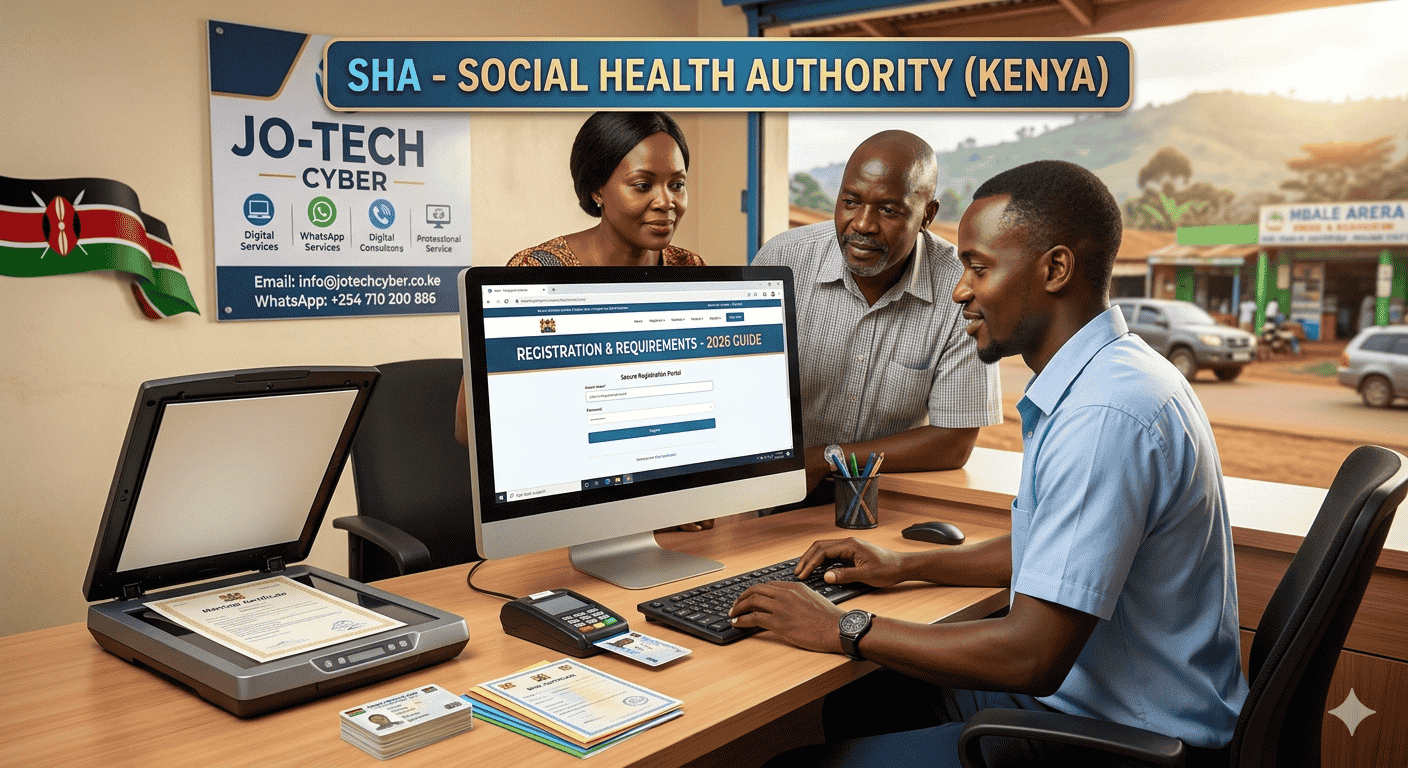
The transition from NHIF to the Social Health Authority (SHA) is now mandatory for every Kenyan citizen and resident. Whether you are a salaried employee, self-employed, or a student, SHA registration is the only way to access the Social Health Insurance Fund (SHIF) benefits.
Registration is essential for accessing healthcare in both public and private hospitals across Kenya.
SHA Registration Requirements
Before starting the process, ensure you have the following details ready to avoid system timeouts:
- Original National ID Card (or Alien ID for residents).
- Active Mobile Phone Number (registered under your ID).
- Marriage Certificate: Required to officially add your spouse as a dependent.
- Children’s Birth Certificates /Notifications: Specifically the Entry Number found on the document.
How to Register for SHA in Kenya (Step-by-Step)
You can complete your registration through two main official channels. Both methods are free, but they require accurate data entry.
Method 1: Mobile Registration via USSD (No Internet Required)
This is the fastest method for basic registration and does not require a smartphone.
- Dial *147# on your mobile device.
- Select the option for SHA Registration.
- Enter your National ID Number and your First Name as it appears on the ID.
- Read and Accept the Terms and Conditions.
- Create a secure 4-digit PIN.
- Complete the prompts regarding your marital and employment status.
- Wait for the Confirmation SMS to verify your account is active.
Method 2: Online via the “Afya Yangu” Portal
This method is recommended if you need to upload documents or add family members immediately.
- Visit the official portal at afyayangu.go.ke or sha.go.ke.
- Click “Register Individual” and select your ID type.
- Enter your ID number and the phone number linked to it.
- Enter the OTP (One-Time Password) sent to your phone for verification.
- Provide your location details (County and Ward) and employment status.
Understanding SHA Contributions and “Means Testing”
Under the new 2026 regulations, contributions are calculated based on your income category:
- Salaried Employees: A mandatory deduction of 2.75% of gross salary via payroll.
- Non-Salaried/Self-Employed: You will undergo a “Means Testing” assessment. This is a digital questionnaire about your household assets and income to determine your fair monthly rate (starting from Ksh 300).
Adding Dependents to Your SHA Account
To ensure your family is covered, you must manually add them to your profile. The system requires proof of relationship to prevent registration delays.
- Log in to your Afya Yangu account via afyayangu.go.ke.
- Navigate to the “Dependents” tab.
- For Spouses: Enter their ID number and upload a clear scan or photo of your Marriage Certificate.
- For Children: Enter the ID number (for those over 18) or the Birth Certificate Entry Number for minors.
- Upload the supporting documents as prompted.
- Submit for verification; you will receive a notification once the dependents are approved and linked to your cover.
Also see: How to Pay SHA Contributions via M-Pesa
Get Professional SHA Assistance at JO-TECH Cyber
System errors, “ID already registered” messages, or trouble uploading birth certificates can be frustrating. At JO-TECH Cyber, we provide expert assistance to ensure your health cover is active without the headache.
Our Services Include:
- New SHA Individual Registration.
- Adding/Updating Dependents and Birth Certificates.
- Means Testing assessment assistance.
- Printing of SHA Registration Certificates.
Visit Us Today: We are located along the Kisumu-Kakamega Highway in Mbale, Vihiga County.
- WhatsApp/Call: +254 710 200 886
- Email: info@jotechcyber.co.ke
- Online: Visit us at jotechcyber.co.ke for more digital services.
Related
How to Register for NSSF in Kenya Online: 2026 Guide