Download our Buy Goods Till Number template in Word format. Add your business name and till number, print instantly, and display for customers.
Buy Goods Till Number Template
Download PDF Version
Download Word Version
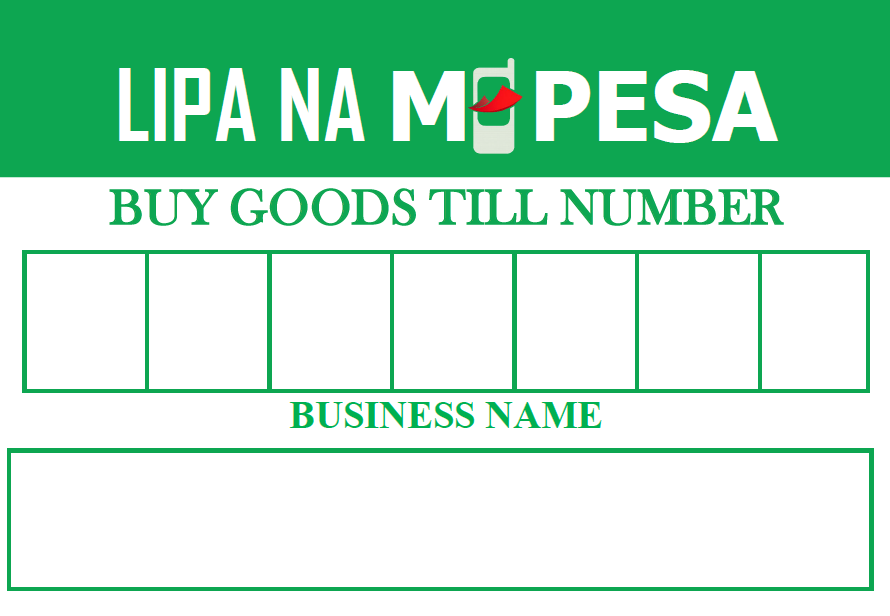
Looking to professionalize your checkout counter and make mobile payments seamless for your customers? Our Free Buy Goods Till Number Templates are designed to be clear, professional, and easy to read.
A well-displayed till number reduces transaction errors and speeds up the checkout process. Simply download, edit with your business details, and print.
Why Use Our Buy Goods Template?
- Fully Customizable: Edit your Business Name and Till Number in seconds.
- High Visibility: Bold fonts designed to be readable from a distance.
- Multiple Formats: Available in Word (.docx) for easy editing and PDF for high-quality printing.
- Professional Design: Clean layout that builds trust with your customers.
Download Your Template Now
| Format | Description | Download Link |
| Word Document | Best for adding your logo and custom text. | [Download Word Version] |
| PDF Version | Best for quick printing and sharp resolution. | [Download PDF Version] |
How to Customize Your Sign
- Download the Word version of the template.
- Open the file and locate the “Your Business Name” placeholder. Replace it with your registered business name.
- Enter your 5, 6, or 7-digit Till Number in the large central box.
- (Optional) Insert your business logo at the top for better branding.
- Save and Print on a standard A4 sheet.
- Pro Tip: Laminate the sign to protect it from wear and tear at the counter.
Frequently Asked Questions (FAQs)
1. What is a Buy Goods Till Number?
A Buy Goods Till Number is a unique identifier provided by mobile money service providers (like M-Pesa) that allows merchants to receive payments from customers. Unlike a personal number, these funds go directly into a business account.
2. Is there a difference between a Till Number and a Paybill?
Yes. Buy Goods (Till Number) is typically used for “over-the-counter” retail transactions where the merchant usually pays the transaction fee. Paybill is often used for remote payments, utilities, or services where the customer often bears the transaction cost.
3. How do I get a Till Number for my business?
You can apply for a Till Number through your mobile service provider’s business portal (e.g., Safaricom’s M-Pesa for Business). You will generally need your National ID, KRA PIN, and business permits or certificates.
4. Are there charges for using Buy Goods?
Usually, customers are not charged for paying via Buy Goods. Instead, the merchant is charged a small percentage (often $0.5\%$) of the transaction value. It is always best to check with your specific provider for the most current rates.
5. Can I use this template for any mobile money provider?
Absolutely. While the layout is optimized for the standard “Buy Goods” look, you can edit the text to fit any provider including M-Pesa, Airtel Money, or T-Kash.
6. What size should I print my Till Number sign?
The most common size is A4, but for small counters, A5 (half-size) also works well. Ensure the numbers are large enough to be read from at least two meters away.
Also see:
Lipa Na Pochi La Biashara Template