Ardhisasa is now the main way to handle land transactions in Kenya. You need a verified account before you can search a parcel, transfer land, or pay land fees.
This guide covers the documents you need, the registration steps, and how to pay stamp duty and land rent.
Ardhisasa Registration Requirements
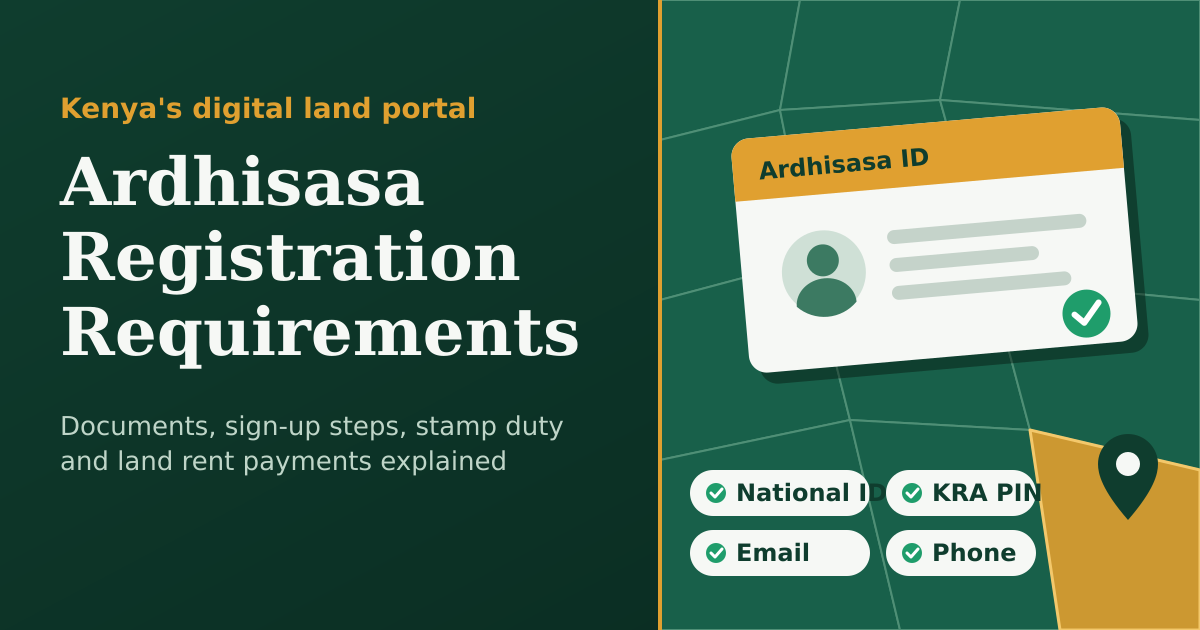
Most people only need four things to register. Have them ready before you start.
- Kenyan national ID (or a passport for foreigners)
- KRA PIN
- Active email address
- Mobile number registered under your own ID
Read: Land Search Requirements in Kenya
What is Ardhisasa?
Ardhisasa is Kenya’s official digital land management platform, built by the Ministry of Lands and Physical Planning. It launched on April 27, 2021, and is also known as the Integrated Land Information Management System (ILIMS).
Available services include land searches, title deed applications, land rent and rates payments, mutation and subdivision requests, and caveat and charge registrations.
Ardhisasa Registration Online
All registration happens on the official portal at ardhisasa.lands.go.ke. Registration is free, and you should never pay a third party to create an account for you.
The system checks your national ID against the Integrated Population Registration System (IPRS) automatically. Your name and ID must match government records exactly.
How to Create an Ardhisasa Account
Follow these steps to register as an individual:
- Go to ardhisasa.lands.go.ke and click Register.
- Select Individual registration.
- Enter your national ID number and personal details. The system verifies them against IPRS.
- Enter your KRA PIN, email address, and mobile number.
- Set three security questions, which are used to recover your account.
- Enter the OTP sent to your phone.
- Log in and upload a clear photo. You may also be asked to upload a clear copy of your ID or passport for KYC compliance.
Also see: Land Stamp Duty Calculator Kenya
Need Help Creating Your Ardhisasa Account?
Registration can stall over ID mismatches, missing OTPs, or KRA PIN errors. If you’d rather not deal with these issues yourself, professional help is available.
JO-TECH Cyber provides assistance with government portal accounts, including Ardhisasa. Our team can guide you through registration, help fix verification problems, and get your account ready for transactions.
Contact JO-TECH Cyber:
- Call or WhatsApp: 254710200886
- Email: info@jotechcyber.co.ke
Reach out before you start, and have your national ID, KRA PIN, and active phone number ready.
FAQs
What Is an Ardhisasa ID?
An Ardhisasa ID is the unique identity number the system assigns to your account. It is sent to your phone once registration is complete, and you can use it to log in.
How do I create an Ardhisasa account?
Go to ardhisasa.lands.go.ke, click Register, choose individual registration, and enter your ID, KRA PIN, email, and phone number. Verify the OTP, then log in and upload your photo.
How to Pay Stamp Duty on Ardhisasa
Here is the process:
- Log in to Ardhisasa and open ArdhiPay.
- Select Stamp Duty Self Assessment.
- Click New Application.
- Enter the transaction details and upload the required documents, then submit.
- The system calculates the duty based on the higher of the sale price and the valuation.
- Once the invoice is generated, click Pay.
How to Pay Land Rent on Ardhisasa
- Log in to your account.
- Go to Services, then Land Administration, then Land Rent.
- Click Pay Land Rent.
- Enter your title number in the format Registration Unit/Registration Section/Parcel Number.
- Review the pending invoices, including any penalties.
- Click Pay next to an invoice and choose your payment method.
- Click Confirm after paying.
Is Ardhisasa registration free?
Yes, creating an account costs nothing. Fees apply only to services such as searches, stamp duty, and land rent.
Also see: Land Rent Calculator