
How to Create an eTIMS Invoice on eCitizen
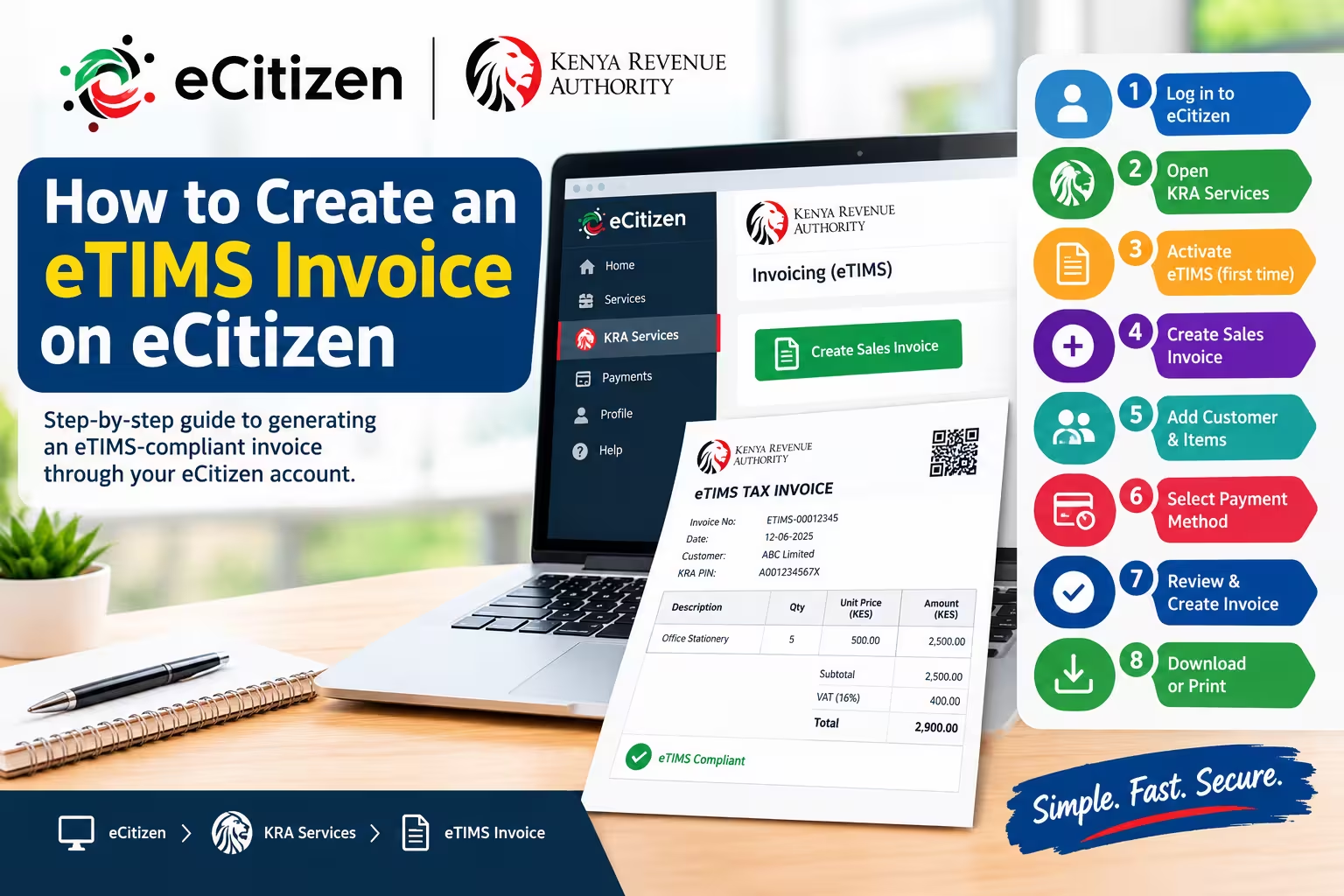
To create an eTIMS invoice on eCitizen, log in to ecitizen.go.ke, open KRA Services, and select Invoicing (eTIMS). Activate e-invoicing if prompted, add your customer details, enter your items and pricing, then click Create Invoice to download your official KRA receipt. Requirements Before generating your electronic tax invoice, ensure you have an active eCitizen account … Read more