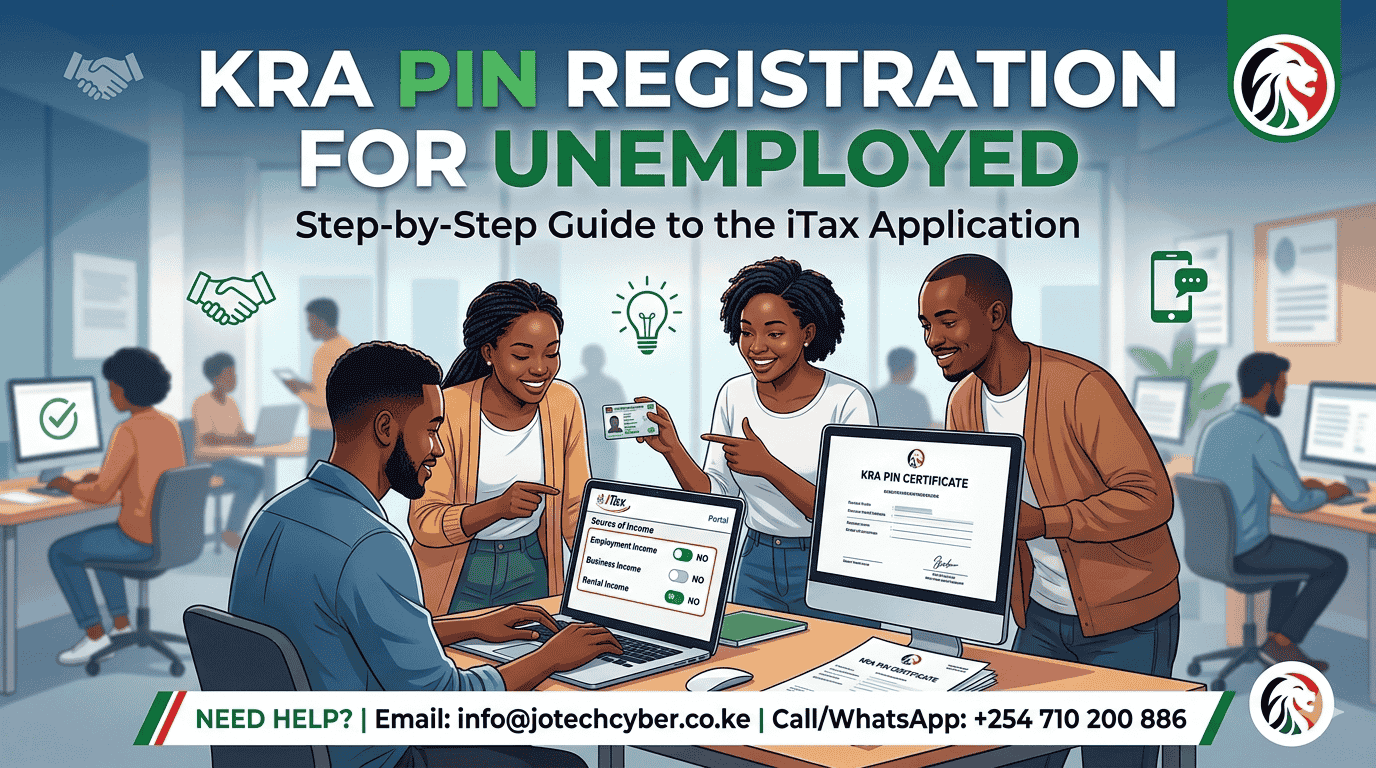
Getting a KRA PIN is a critical step for every Kenyan, even if you do not currently have a job. You need a PIN for essential activities like opening a bank account, applying for a driving license, or accessing the eCitizen portal for government services.
The registration process is completed online via the iTax portal. Below is a specific guide on how to fill the form when you have no source of income.
Documents Needed to Apply for KRA PIN
Before starting, ensure you have the following ready:
- National ID Card: To provide your ID number and Date of Birth.
- Working Email Address: KRA will send your PIN certificate and login password here.
- Mobile Number: For verification purposes.
How to Fill the iTax Form (For Unemployed)
When registering, the “Source of Income” section often confuses applicants. Follow these steps to ensure your application is processed correctly as an unemployed resident.
1. Basic Information (Section A)
- Taxpayer Type: Select Individual.
- Type of Registration: Select Online Form.
- Citizenship: Choose Kenyan.
- Enter your ID Number and Date of Birth. The system will automatically pull your name and parents’ details from the IPRS database.
2. Obligation Details (Section B)
- Tax Obligation: Check the box for Income Tax – Resident Individual.
- Registration Date: This should be the current date you are filling the form.
3. Source of Income (Section C) – Crucial for Unemployed
This is the most important part for those without a job. To avoid being taxed incorrectly, fill it as follows:
- Employment Income: Select No.
- Business Income: Select No.
- Rental Income: Select No.
Note: By selecting “No” for all three options, you are officially declaring that you currently have no taxable source of income. This ensures your PIN is registered under a “Nil” status until you gain employment.
How Much Does it Cost to Apply for KRA PIN?
The Kenya Revenue Authority does not charge any fee for PIN registration. The process is free on the official iTax portal.
However, if you visit a cyber cafe for assistance, you will pay a small service fee for the professional handling of your application, data entry, and printing of the certificate.
Need Help with KRA PIN Registration?
Registering your PIN correctly the first time prevents future issues with tax compliance. If you find the portal confusing or keep getting “invalid details” errors, let the experts handle it.
JO-TECH Cyber provides professional assistance for new PIN applications, email updates, and PIN recoveries.
- Email: info@jotechcyber.co.ke
- Call/WhatsApp: +254 710 200 886
- Location: Mbale, Vihiga County (Along Kisumu/Kakamega Highway)
Also See:
How To File KRA Returns for a Company