
How to Add a Printer to Mac: Step-by-Step Guide for USB, Wi-Fi, and IP
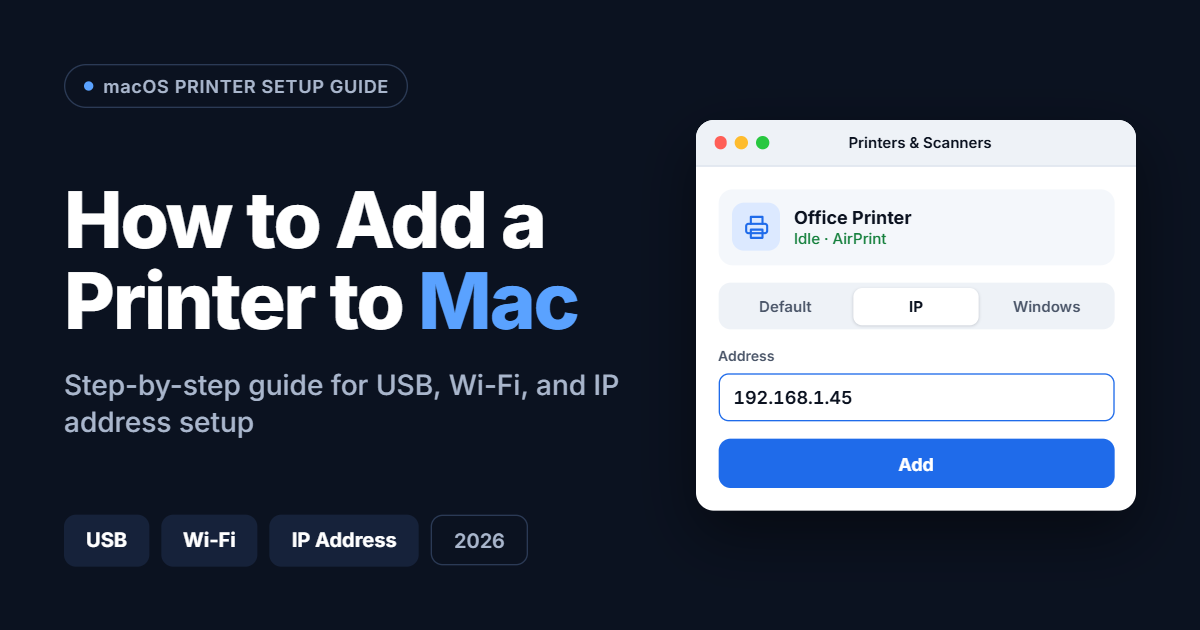
To add a printer to a Mac, open the Apple menu, choose System Settings > Printers & Scanners, click Add Printer, Scanner, or Fax, select your printer from the list, and click Add. Most modern printers connect in under two minutes because macOS uses AirPrint to set them up automatically, with no driver download required. … Read more